settings · wood · engraving
Basswood Engraving Settings (5W–40W Diode Lasers)
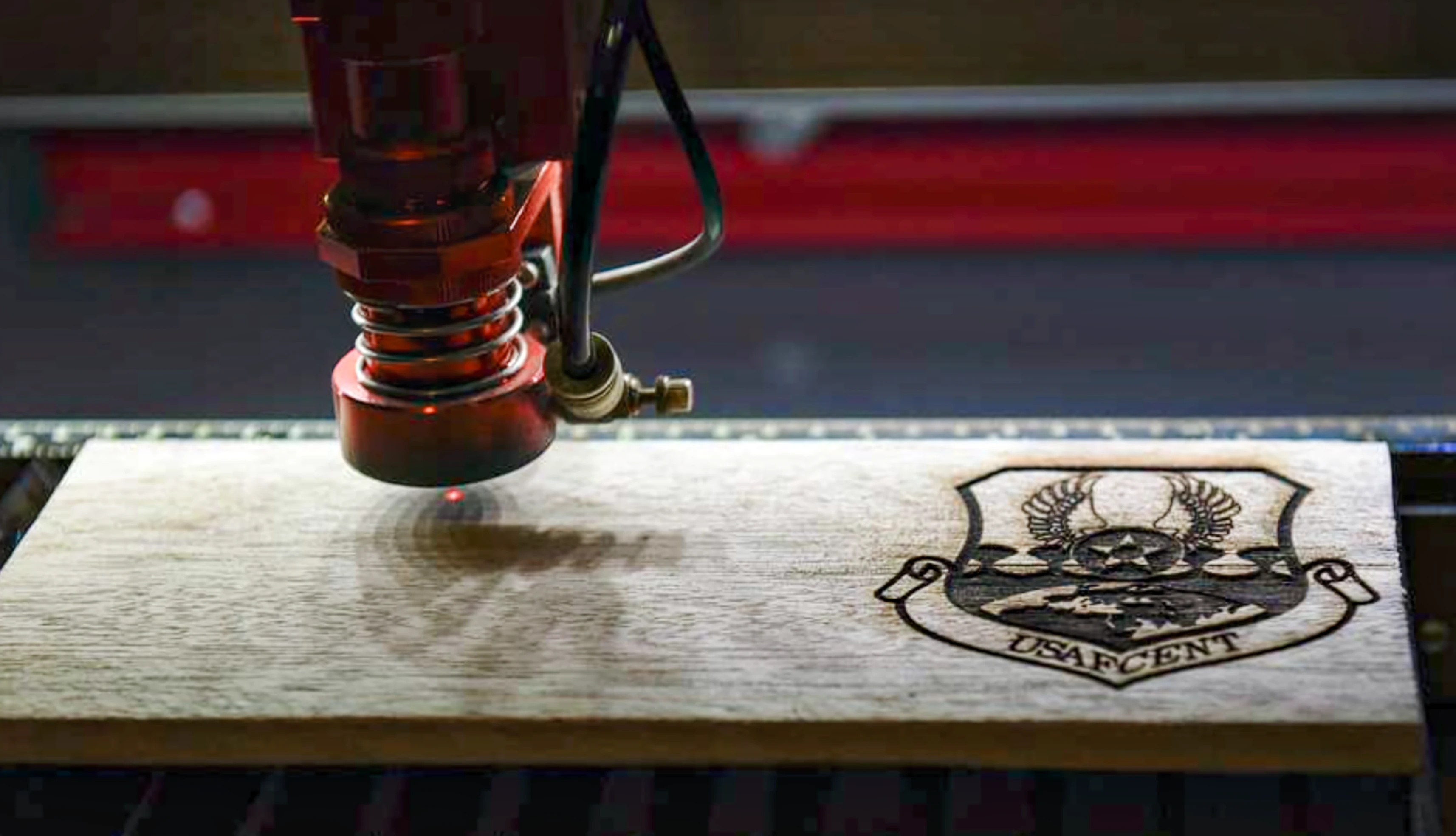
Basswood is the best all-around engraving wood for diode lasers. On a 20W machine, start with 6,000 mm/min at 55% power, 1 pass, 254 DPI for logo and text engraving (EI ~0.110 J/mm). Photo engraving uses slightly higher energy at slower speed. Both modes are covered below. Settings are anchored on Bonny Creations xTool D1 Pro 20W data; other wattages normalized using the Laser Tinkerer Energy Index.
- Engraving EI stays remarkably constant across wattages: 0.099–0.110 J/mm for logo mode — the normalization model works well here
- Photo mode needs slightly higher EI (0.118–0.123 J/mm) for full tonal range
- Grain direction matters: engrave across the grain for more consistent marks
- Sand before engraving (not after): a 220-grit pass before lasering gives a more uniform char contrast
Basswood engraves at 55% power, 6,000 mm/min on a 20W diode laser — the most consistent all-round engraving wood for beginners. — Laser Tinkerer, 2026
looking for cutting settings?
Basswood cutting (3mm sheets and plywood) is covered on the basswood cutting settings page — passes, speed, and power for 5W–40W with and without air assist. This page covers engraving only — logo, text, and photo mode on basswood blanks and sheets.
Range: 4,500–8,000 mm/min · 50–65% · 1 pass · 254 DPI. Always confirm with a test square before engraving production blanks.
Logo and text engraving settings by wattage
Anchor values from Bonny Creations xTool D1 Pro 20W settings guide (20W) and Zapcraft basswood guide (10W corroboration). Other wattages normalized using EI = power_pct × W × 0.6 ÷ speed_mm_min, targeting EI ≈ 0.110 J/mm. Source type C rows are estimates — they are labeled as such and should be confirmed with a test grid.
| machine class | speed (mm/min · mm/s) | power | passes | EI (J/mm) | DPI | source |
|---|---|---|---|---|---|---|
| 5W | 1,500 · 25.0 | 55% | 1 | 0.110 | 254 | |
| 10W | 3,000 · 50.0 | 55% | 1 | 0.110 | 254 | est. from 20W; in Zapcraft range |
| 20W ★ | 6,000 · 100.0 | 55% | 1 | 0.110 | 254 | Bonny Creations D1 Pro 20W |
| 33W | 6,000 · 100.0 | 33% | 1 | 0.099 | 254 | |
| 40W | 6,000 · 100.0 | 28% | 1 | 0.101 | 254 |
Photo and detail engraving settings
Photo engraving requires slightly more energy per pass (EI ≈ 0.120 J/mm) to produce the full range of grey tones. Switch from solid fill to a dithering algorithm — Floyd-Steinberg or Stucki are the most common choices in LightBurn. Use 300–508 DPI for photo work to capture fine detail. The 20W anchor is from Bonny Creations D1 Pro 20W (4,500 mm/min, 45%, 1 pass); other wattages normalized.
| machine class | speed (mm/min · mm/s) | power | passes | EI (J/mm) | DPI | dither |
|---|---|---|---|---|---|---|
| 5W | 1,100 · 18.3 | 45% | 1 | 0.123 | 254–300 | |
| 10W | 2,250 · 37.5 | 45% | 1 | 0.120 | 254–300 | |
| 20W ★ | 4,500 · 75.0 | 45% | 1 | 0.120 | 254–300 | |
| 33W | 4,500 · 75.0 | 27% | 1 | 0.121 | 254–300 | |
| 40W | 4,500 · 75.0 | 22% | 1 | 0.118 | 254–300 |
Tips for better basswood engraving
Sand before engraving, not after. A 220-grit pass over the blank before laser engraving. Scratches and surface roughness scatter the engraved mark. A smooth, uniform surface gives more consistent, professional-looking results.
Focus precisely. Even 0.5mm of focus error noticeably widens engraved lines and softens fine detail. Use your machine's focus block, or run a focus test at several heights.
Engrave across the grain. Engraving across the grain (perpendicular to the long wood fibers) produces a more consistent mark than along the grain. If you notice inconsistent darkness in one pass direction, rotate your design 90°.
Air assist is not needed for engraving. Unlike cutting, engraving basswood works well without air assist. Air assist at low pressure helps clear smoke from the surface, but is not required for mark quality.
run a test grid first
Use the test-grid generator with power range ±20% and speed range ±30% from the table values. The sweet cell shows the darkest mark with the clearest detail — not the blackest, not the lightest. Photo mode needs a slightly different (lower) speed to capture tonal range.
Frequently asked questions
Why is the power% so consistent across wattages for logo/text mode? The Laser Tinkerer Energy Index normalizes power × wattage ÷ speed — if you want the same EI at higher wattage, you raise the speed proportionally. The result is that the power% for the same material stays in a similar band, but the speed increases with wattage. The table shows this: 55% at 1,500–6,000 mm/min depending on machine.
What DPI should I use for logos and text? 254 DPI (lines per inch) is the standard starting point for vector engraving. It produces a clean, uniform char mark. For fine text or line work, 300–400 DPI can improve edge definition. Above 500 DPI for engraving (not photo) is rarely necessary. See the full DPI settings guide for material-specific recommendations and speed tradeoffs.
Does basswood thickness affect engraving settings? Not significantly for engraving — you're only ablating the surface, not cutting through. The same logo/text settings apply from 1.5mm to 12mm basswood sheets.
- Basswood sheet packs — pre-sanded, consistent grain; look for 1.5–3 mm thickness for blanks and ornaments
- Honeycomb cutting bed — keeps the workpiece flat and reduces flash-back marks on the bottom surface
- OD7+ laser safety glasses (450 nm) — always wear these during any laser session
As an Amazon Associate I earn from qualifying purchases. Links are to search results — no specific product is tested or endorsed.